
The whole life of an Aprimo change:
asked for, made, reviewed, live.
Track the work, make the change once, update every environment. Bring your own AI assistant to do the digging. No scripts, nothing to run yourself.
Built for Aprimo configuration
Move quickly, safely
- Reviewed before it's live
- Pick who approves, and how many. See who said yes to what.
- Just the pieces you changed
- A field, a content type, a set of rules. Down to a single item.
- Changes move in any direction
- Sandbox up to production, or a production fix back down.
- Nothing gets left behind
- The items a change relies on come along with it.
- Spot unexpected changes
- When an environment changes outside Mochi, see what's different.
- Undo a bad change
- Put an environment back to a version it held before.






Work tracking
Every change keeps its reason
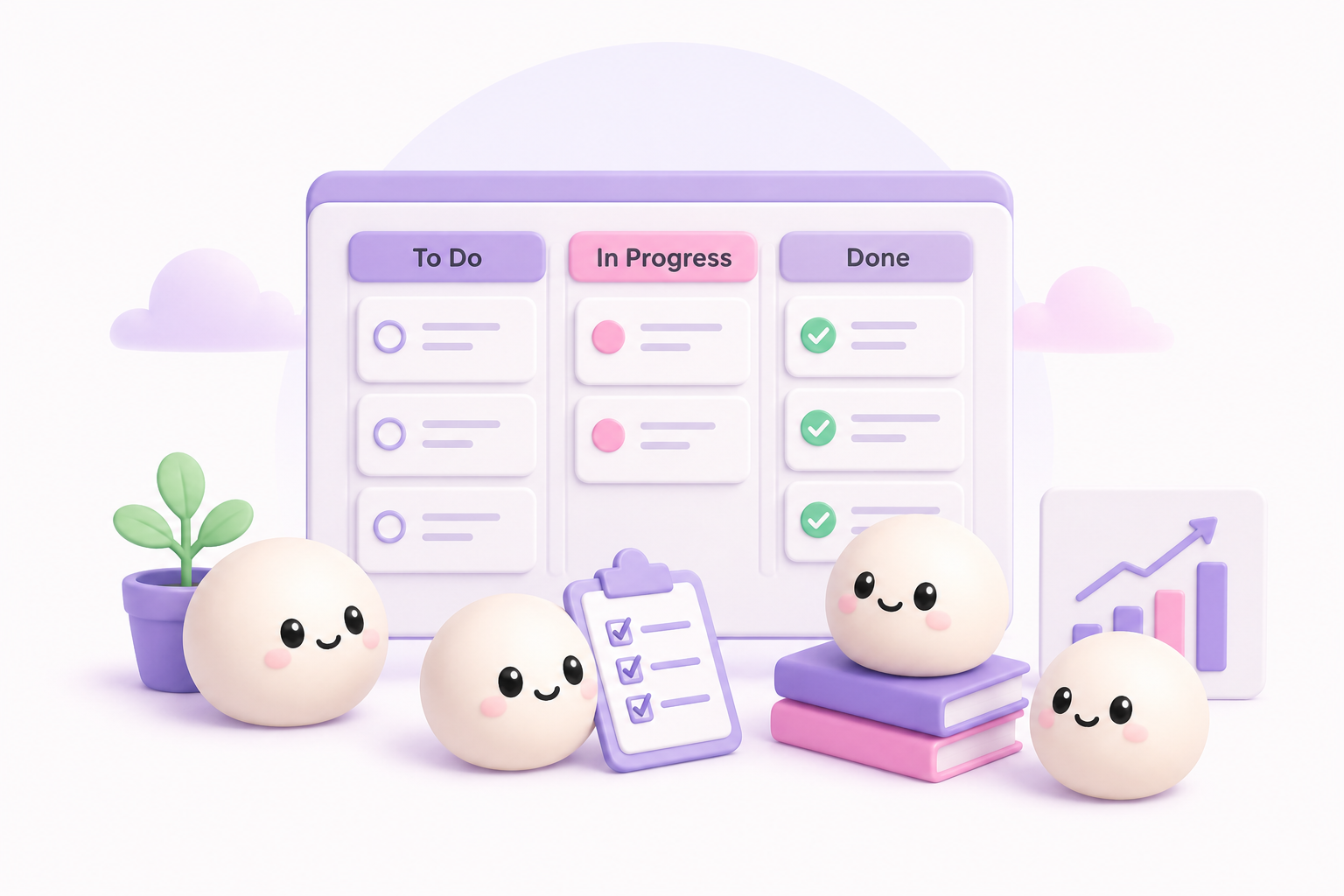
Requirements and user stories, sitting next to the changes that deliver them. Ask why a field behaves the way it does, and the answer is attached to the change that made it.
- A board that stays out of the way
- Columns you name, cards you drag. Not a project-management course.
- Linked without the bookkeeping
- Mention a card's number in a change and they find each other.
- It keeps itself up to date
- Cards move along as the changes behind them land.

AI access
Bring your own AI assistant
Connect the AI client you already use. It reads your configuration, compares environments, finds what changed, and puts a change set together, inside the same rules your team works in.
- Look, but don't touch, until you say so
- Reading is one switch. Changing anything is a second one.
- People still hold the pen
- An agent can't do what you can't, and can't approve its own work.
- You'll know when it was AI
- Agent-written changes are marked where you review them.
You've got this
Great with a team, great on your own
Plenty of Aprimo admins fly solo. Team or team of one, Mochi works the same.

Pricing
Choose the right plan for you
Start free today.
Free
The whole product. Enough room to look after your own Aprimo, or a few clients.
- 12 minutes of pipeline time a month
- As many people, workspaces and environments as you like
- Every configuration change tracked, with full history
- Reviews and approvals
- Put an environment back to an earlier version
- Work tracking board
- Bring your own AI assistant
Pro
For teams doing this all day, across more clients than a month of Free covers.
- Everything in Free
- 120 minutes of pipeline time a month
- Your runs go first when things are busy
Pipeline time is the time Mochi spends carrying your changes into an environment. Only a run costs minutes; tracking, reviewing, and browsing your configuration are free on both plans.
Frequently asked questions
- Do I need to write code or scripts?
- No. Nothing to script, nothing to run by hand.
- Does Mochi change my Aprimo configuration on its own?
- It makes the changes you approve. You pick which environments update on their own, and which wait for someone to say yes first.
- What configuration does Mochi cover?
- Fields and field groups, content types, classifications, rules, settings, file types, and user groups, plus the references between them.
- Is my configuration data private?
- It's yours. Encrypted in transit and at rest, and we don't use it to train AI models. How we protect your data.

Get early access to Mochi Deploy
Mochi Deploy is in closed beta while we get it ready. Add your email to the waiting list and we'll reach out when a spot opens up.